

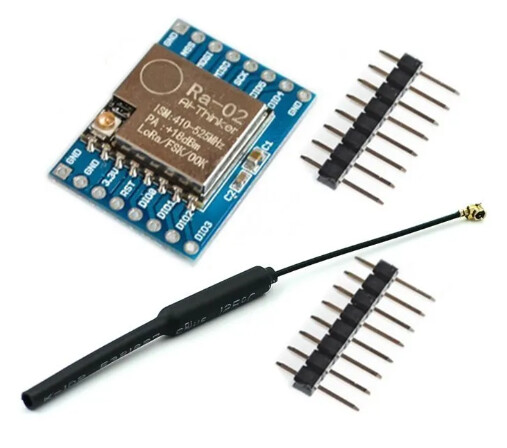
LORA SX1278 and (Ra-02) Modules 433MHz 10KM with Antenna COM45, R17
$ 8.59
FeaturesLoRa ™ Spread Spectrum modulation technologyConstant RF power output at 20dBm-100mW voltage changeHalf-duplex SPI communicationSupports FSK, GFSK, MSK, GMSK, LoRa ™ and OOK modulation modesAutomatic RF signal detection, CAD mode and very high speed AFCPacket engine with CRC up to 256 bytesSmall footprint dual-row stamp-hole patch packageShielded housingSpring AntennaSpecificationsCommunication distance: 15KMSensitivity: down to -148dBmProgrammable bit rates: up to 300kbpsRSSI dynamic range: 127dBWireless frequency: 433MHzWorking voltage: 1.8-3.7vWorking temperature: -40- 80 ℃To interface the LoRa SX1278 or Ra-02 module with an Arduino, you can follow these steps. Both modules use SPI communication, so the connections to the Arduino will be similar.Components Required: LoRa SX1278 or Ra-02 Module (433 MHz) Arduino (Uno, Nano, Mega, etc.) Jumper Wires Breadboard (optional) Antenna for the LoRa module Wiring the SX1278 or Ra-02 Module with Arduino: The LoRa module communicates via SPI, so you need to connect the corresponding SPI pins between the module and the Arduino.Pin Connections (for Arduino Uno/Nano):LoRa Module Pin Arduino PinMISO Pin 12MOSI Pin 11SCK Pin 13NSS (CS) Pin 10RESET Pin 9DIO0 Pin 2GND GNDVCC (3.3V) 3.3V (Important!)Note: The LoRa module operates at 3.3V, so ensure you’re using the 3.3V pin for power. Also, the logic level is 3.3V, so if you are using a 5V Arduino, it’s safer to use level shifters for the SPI pins (although many users get by without them).Libraries and Code: You can use the LoRa.h library by Sandeep Mistry for easy integration with Arduino. Here’s how to install the library and write a basic program to send and receive messages.Step 1: Install the LoRa Library Open Arduino IDE. Go to Sketch -> Include Library -> Manage Libraries. Search for LoRa and install the LoRa by Sandeep Mistry library.Step 2: LoRa Transmitter Code (Sender) #include <SPI.h> #include <LoRa.h> void setup() { Serial.begin(9600); while (!Serial); // Initialize LoRa module Serial.println("LoRa Sender"); if (!LoRa.begin(433E6)) { // Set frequency to 433 MHz Serial.println("Starting LoRa failed!"); while (1); } } void loop() { Serial.println("Sending packet..."); // Send a packet LoRa.beginPacket(); LoRa.print("Hello World"); LoRa.endPacket(); delay(1000); // Wait 1 second between packets } Step 3: LoRa Receiver Code#include <SPI.h> #include <LoRa.h> void setup() { Serial.begin(9600); while (!Serial); // Initialize LoRa module Serial.println("LoRa Receiver"); if (!LoRa.begin(433E6)) { // Set frequency to 433 MHz Serial.println("Starting LoRa failed!"); while (1); } } void loop() { // Try to parse packet int packetSize = LoRa.parsePacket(); if (packetSize) { // Received a packet Serial.print("Received packet: "); // Read packet while (LoRa.available()) { String received = LoRa.readString(); Serial.print(received); } // Print RSSI (signal strength) Serial.print(" with RSSI "); Serial.println(LoRa.packetRssi()); } }
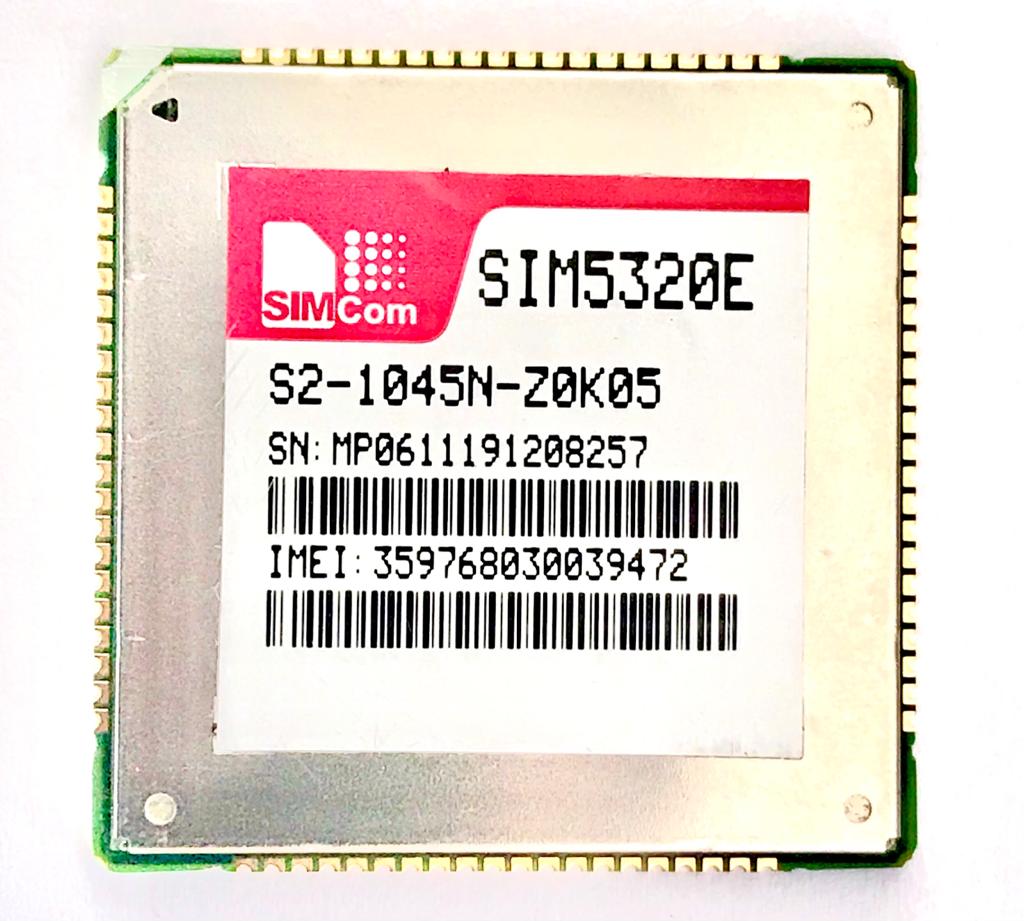 SIMCom SIM5320E 3G/GSM & GPS Module MOD54
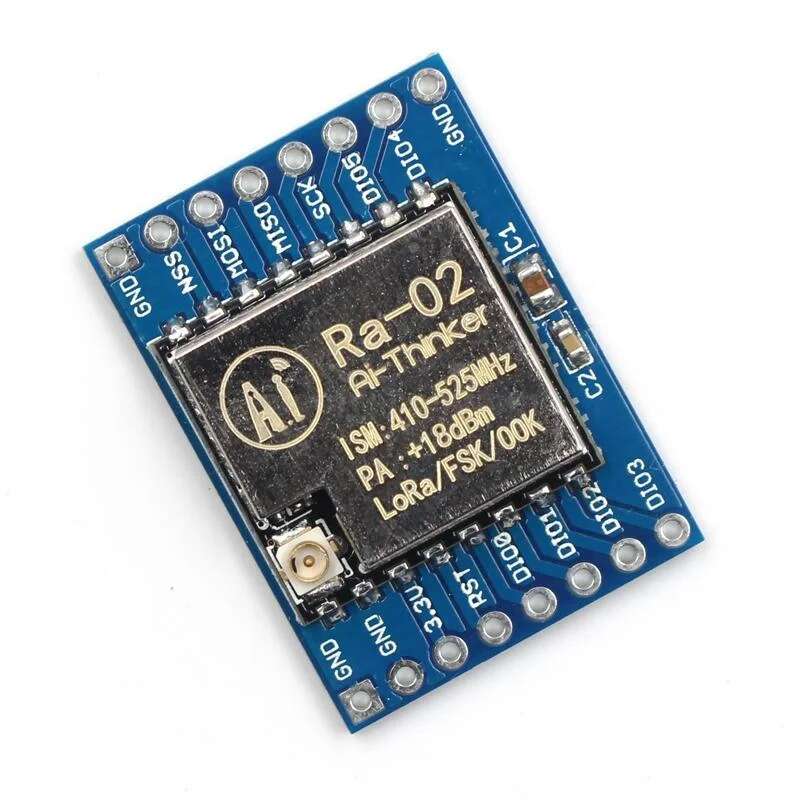 LORA SX1278 and (Ra-02) Modules 433MHz 10KM C...